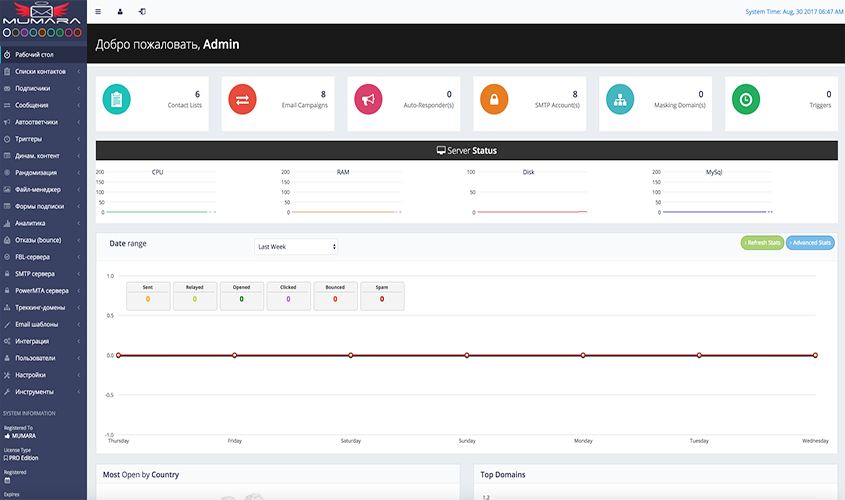
✅ Module “Working with Mumara” focuses on one of the most powerful and flexible platforms for email marketing and mass mailing — primarily aimed at the international (EN) segment. Here, participants will learn how to use Mumara to automate campaigns, improve deliverability, and perform in-depth analytics.
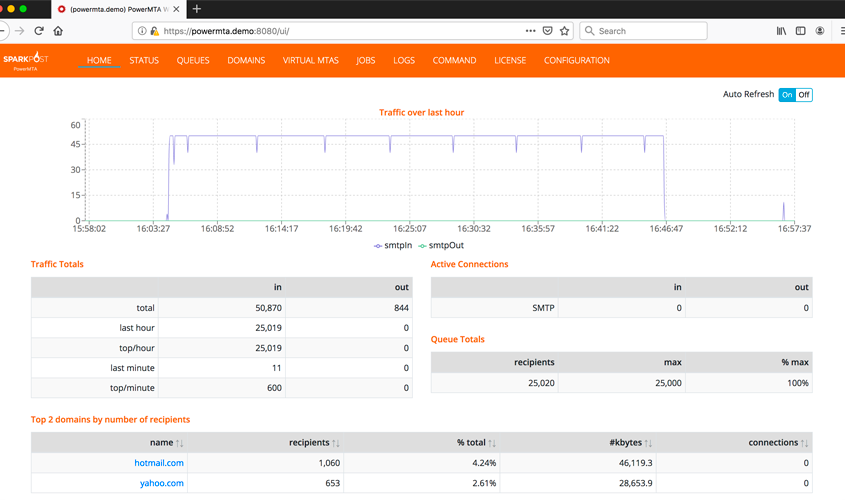
✅ The module includes a step-by-step installation and configuration guide: server preparation, domain connection, DKIM/SPF setup, PowerMTA and other SMTP platform integration, as well as organization of routes, queues, and load balancing.
✅ A special emphasis is placed on creating and managing campaigns — from segmentation and personalization to scheduling and trigger-based workflows. Participants will learn how to build multi-step autoresponder sequences, use HTML and text templates, edit content via the built-in editor, apply spin tactics, and configure tracking domains for click monitoring and brand protection.
✅ A dedicated section of the module covers analytics and deliverability optimization, including IP/domain reputation management, open/click/bounce rate reports, RBP implementation, and inbox improvement methods. As a result, students will gain a complete understanding of how to build a stable, automated mailing system based on Mumara, capable of scaling to any volume or niche.
🔸 Purpose and capabilities of Mumara — platform overview, key differences from Protosender, advantages for working with English-language databases (automation, delivery optimization, analytics, PowerMTA and external SMTP support).
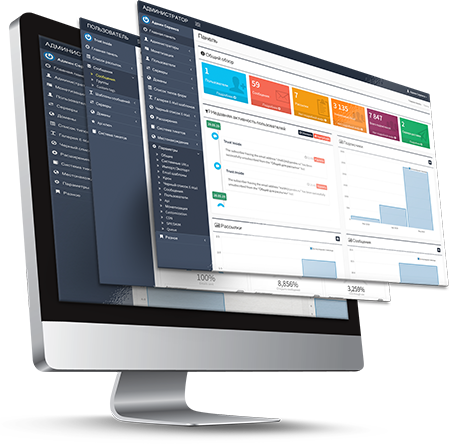
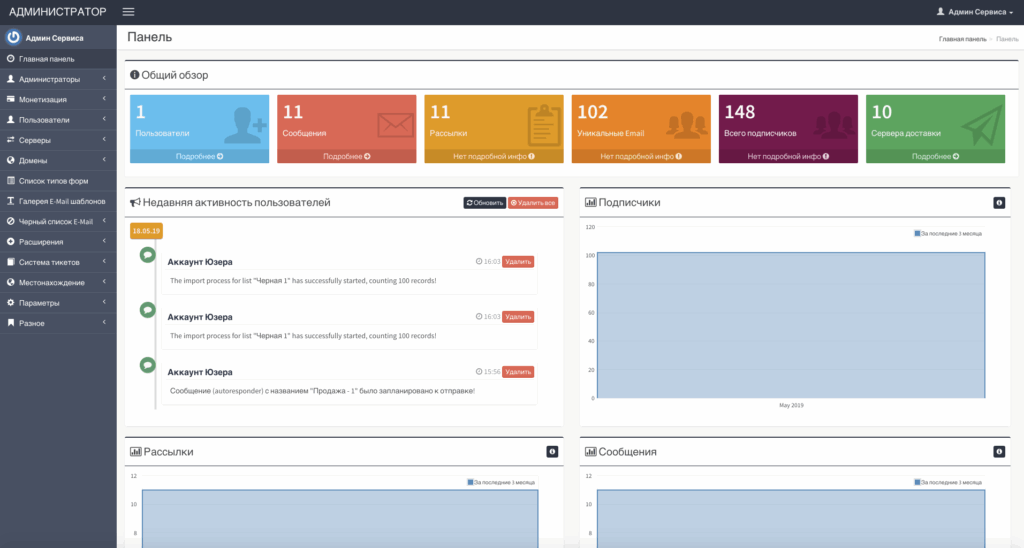
🔸 Installation and configuration of the Mumara script — system requirements and server preparation; step-by-step installation and setup; domain, DKIM, SPF, bounce handling, API integration, and admin panel overview.
🔸 Integration with PowerMTA and other SMTP platforms — connecting PowerMTA, creating routes and queues, using multiple SMTPs for load balancing, reputation monitoring, and delivery speed control.
🔸 Campaign creation and management — EN audience segmentation, building email sequences, using HTML templates and dynamic content, spin tactics (subject/text/link variations) to improve deliverability and open rates.
🔸 Importing and exporting databases without limitations — flexible import/export of CSV (Excel) and TXT lists; bulk uploads and contact updates without limits or data loss.
🔸 Automatic subscription and unsubscription with Double/Single Opt-In/Opt-Out support — setting up subscription forms, email confirmation, automatic unsubscribe handling, and compliance with GDPR and CAN-SPAM Act.
🔸 Working with HTML and text emails — built-in editor with HTML support, visual email builder, flexible content editing, and variable insertion.
🔸 Personalization of subject lines and message text — using personal tags (name, date, region, interests, etc.) to increase engagement and inbox rate.
🔸 Scheduling and timing campaigns — setting send times, creating recurring campaigns, automated pauses between emails, and time zone scheduling.
🔸 Standard campaigns and autoresponders — configuring regular newsletters and automated email sequences (autoresponders), supporting multi-step funnels and retargeting.
🔸 Advanced subscriber segmentation — filtering by activity, geo, source, and campaign reactions; automated actions upon opens or link clicks.
🔸 Building email marketing strategies with triggers — developing automated workflows (triggers) based on subscriber behavior and business themes.
🔸 Automatic bounce handling — built-in system for removing invalid, full, or inactive inboxes; support for soft/hard bounce detection and clean-list reactivation.
🔸 Using tracking domains for link redirects — connecting custom tracking domains, link rotation, CTR analysis, and brand protection.
🔸 Optimization for PowerMTA — configuration and load balancing recommendations, SMTP pool integration, RBP log processing, and deliverability improvements.
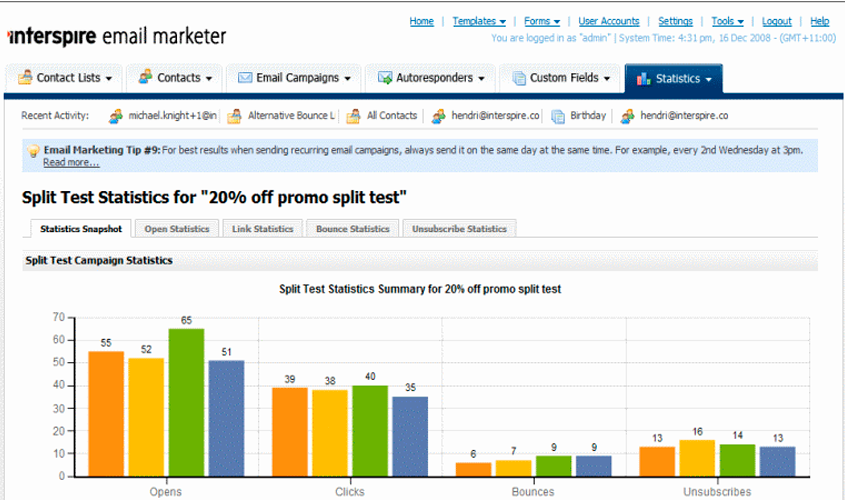
🔸 Reporting and analytics for EN markets — detailed reports on open rate, click rate, and bounce rate.